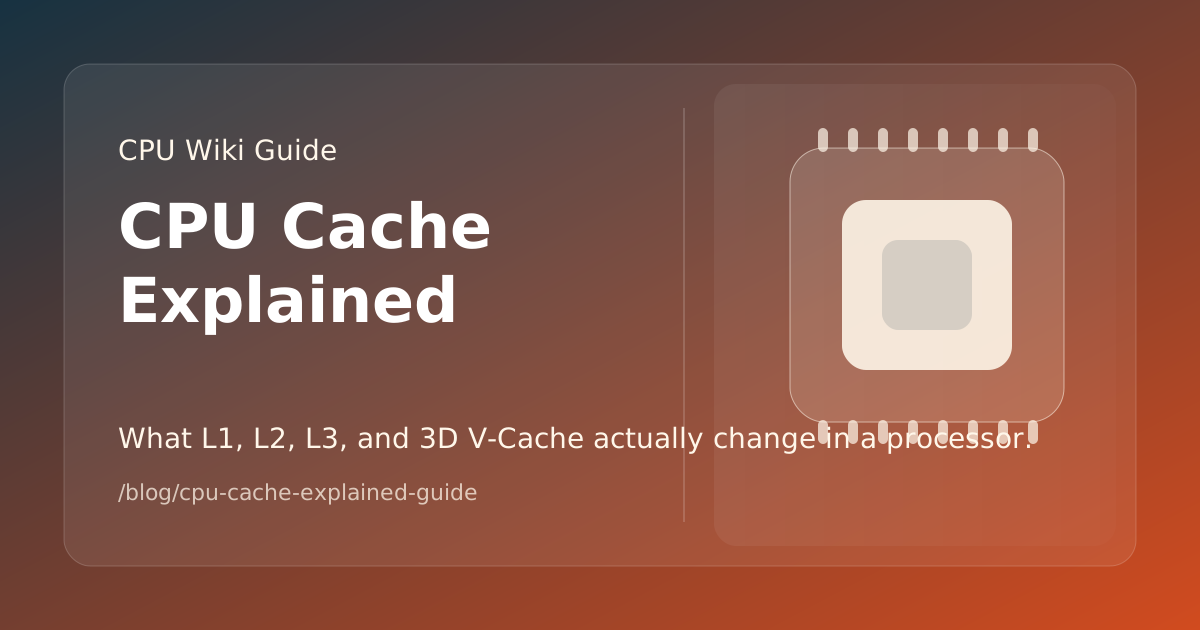
CPU cache is fast on-chip memory that keeps frequently needed instructions and data closer to the cores than system RAM. L1 is usually the smallest and fastest level, L2 is larger with somewhat higher latency, and L3 is larger again and often shared across a group of cores. Cache size helps only when the workload can reuse data that fits into it; more megabytes do not automatically make every CPU faster.
What Are L1, L2, and L3 Cache?
- L1 cache: the smallest, fastest cache, commonly divided into instruction and data sections for each core.
- L2 cache: a larger cache close to the core that reduces trips to slower shared levels or system memory.
- L3 cache: a larger shared resource that can serve several cores and hold more working data, usually with higher access latency than L1 or L2.
The exact arrangement differs by architecture. A CPU specification page may report cache totals differently, so compare like-for-like fields and check whether the number means L3 only or total cache.
Why Can More L3 Cache Help Gaming?
Games repeatedly access world state, object data, simulation results, and draw-call information. If more of that working set can be served from fast cache instead of system memory, some engines can reduce memory stalls and improve frame-time consistency.
That is the logic behind AMD 3D V-Cache. The Ryzen 7 7800X3D and Ryzen 7 9850X3D use stacked cache as part of a gaming-oriented design. The benefit depends on the game, graphics-card limit, resolution, and other system settings, so cache should be evaluated with relevant benchmarks rather than treated as a universal multiplier.
What Is 3D V-Cache?
3D V-Cache is AMD’s name for vertically stacked cache technology. It increases the amount of cache available to a processor without requiring the same increase in a conventional flat die layout. AMD now also documents dual-cache designs such as the 16-core Ryzen 9 9950X3D2, which has 208 MB of total cache.
The trade-off is that cache is only one part of the design. Power limits, frequency behavior, core layout, memory latency, and the application’s access pattern still matter. A CPU with less cache can be faster in a workload that is compute-bound or does not reuse data effectively.
How Should You Compare Cache Specifications?
- Separate cache levels. Check L2 and L3 instead of comparing one “total cache” number from different vendors.
- Match the workload. Gaming, compiling, rendering, databases, and office software use memory differently.
- Check the CPU tier. A high-cache gaming model may trade some frequency or power flexibility for its cache design.
- Use application benchmarks. Cache size explains a possible advantage; it does not replace testing in the software you use.
For a broader explanation of gaming-oriented processors, read the Ryzen X3D guide. You can then inspect exact cache fields in the CPU catalog or compare candidates in the comparison tool.